Free Shipping on Selected Orders Over $450.•Volume & Project Pricing Available.•Purchase Orders Accepted for Approved Accounts.•B2B Solutions for Business & Institutional Buyers.•Request a Quote for Large or Special Orders.•Free Shipping on Selected Orders Over $450.•Volume & Project Pricing Available.•Purchase Orders Accepted for Approved Accounts.•B2B Solutions for Business & Institutional Buyers.•Request a Quote for Large or Special Orders.•
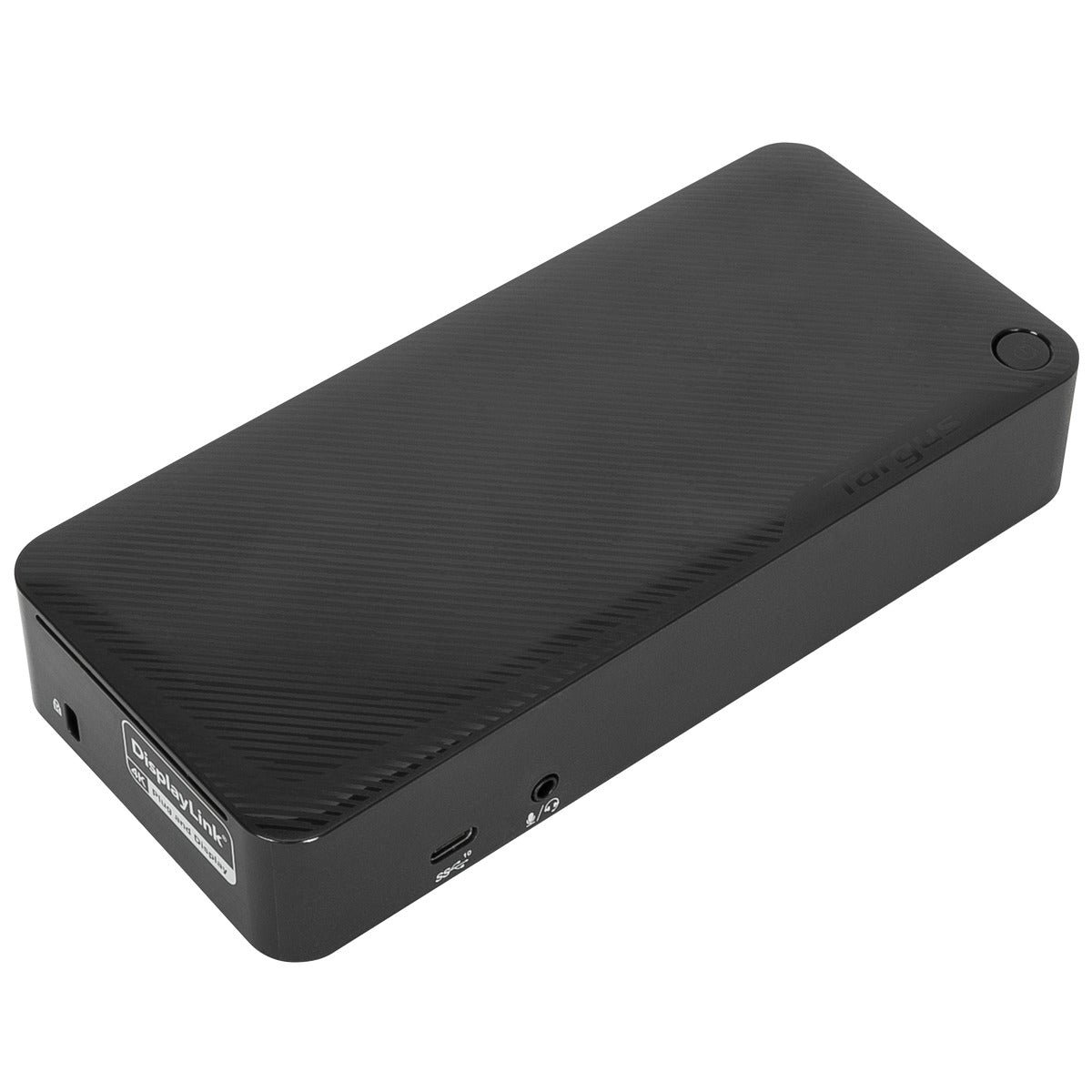
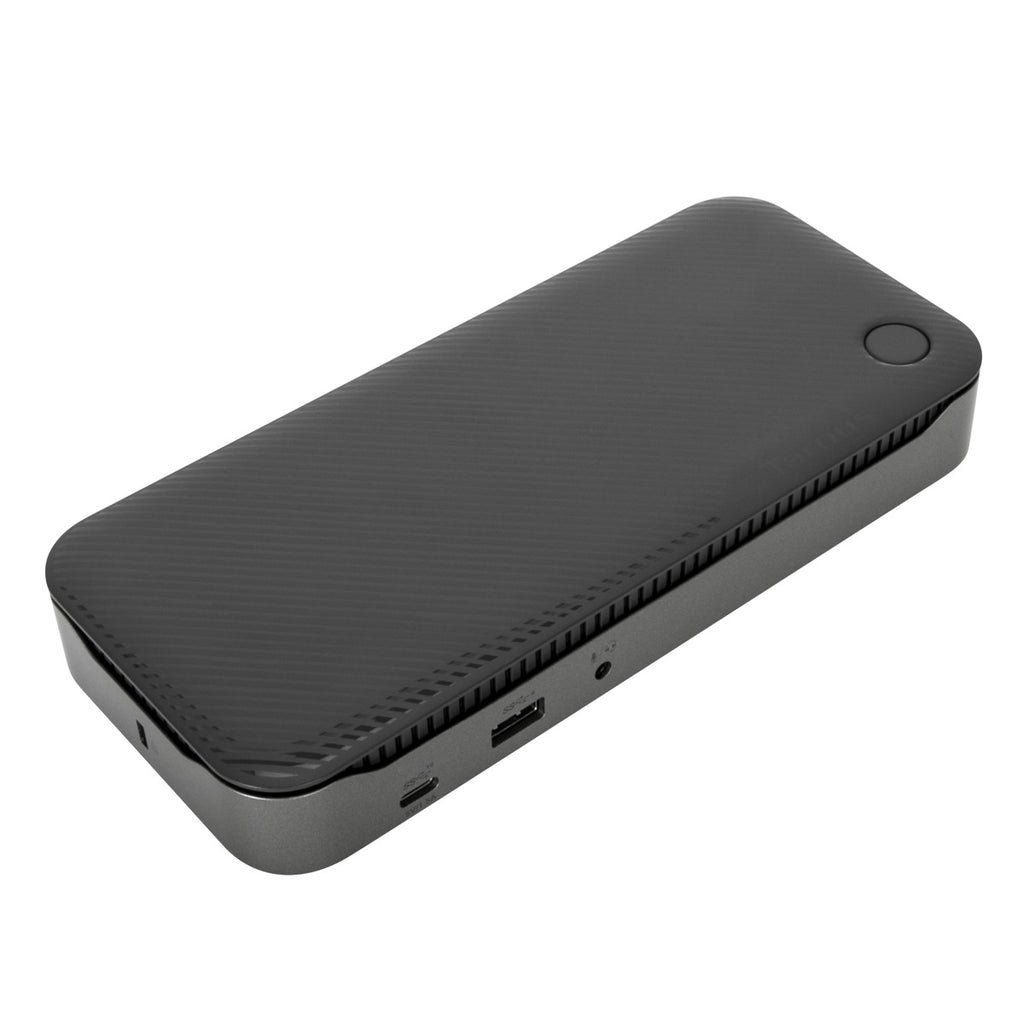
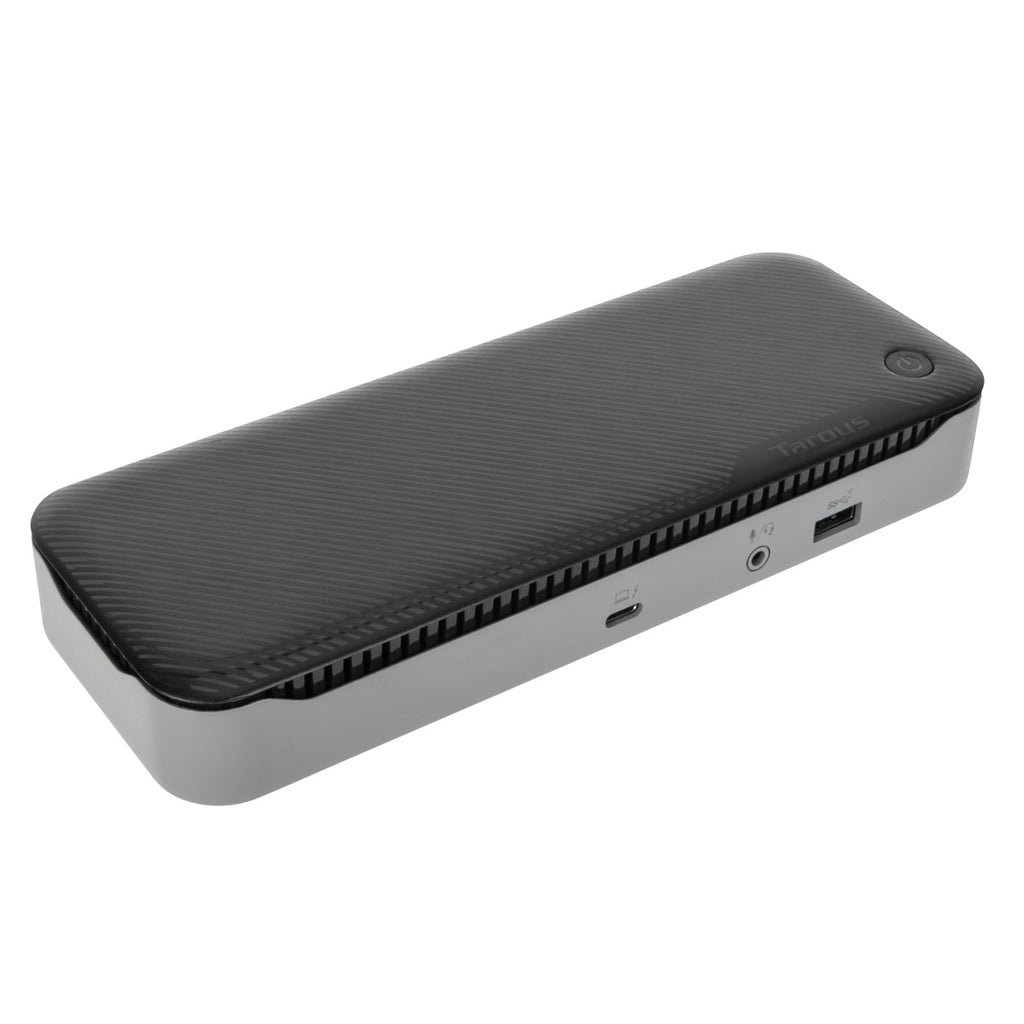
Expand your workstation and connect to virtually any laptop with the Universal USB-C® DV4K Docking Station with 100W Power with Legacy Host Power Kit. Designed to support and power a wide variety of laptops and operating systems, including Windows®, macOS®, Android™, Chrome OS™, and Ubuntu®, this dock packs all of the ports and power you need, whether you have a USB-C or USB-A host device.
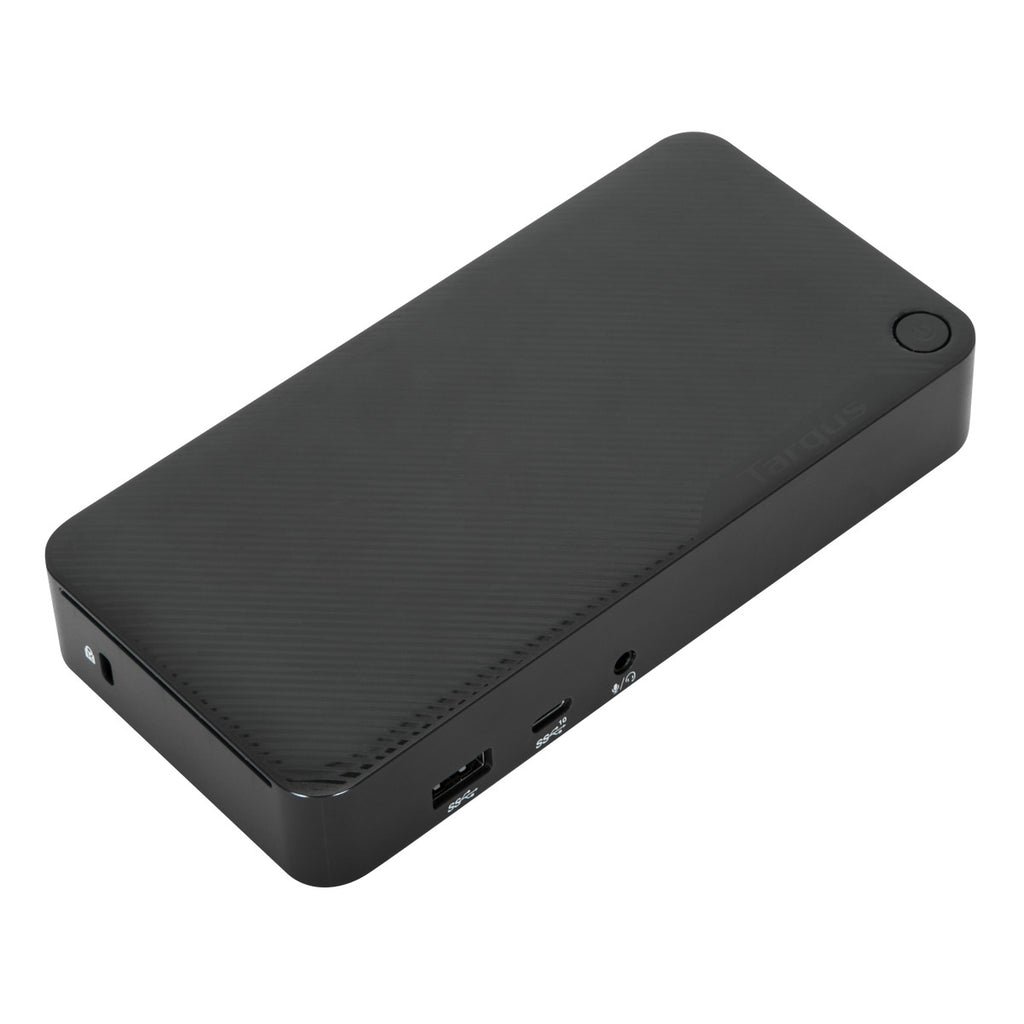
Enjoy sharp 4K video while supporting a connection up to two monitors with its two HDMI and two DisplayPort™ connections. Plus connect all your favorite accessories – like a mouse, keyboard, hard drive, and more – with a combination of USB-A (4x USB 3.2 Gen 1 Type-A ports) and USB-C (1x 3.2 Gen 2 Type-C), plus Ethernet and audio ports.
Designed for the modern workstation, the dock comes equipped with a VESA® bracket mounting provision, which allows for use of the Targus VESA Mount Bracket (ACX003GLZ – sold separately) to hold your dock behind your display for even greater space savings.
Supports Dual DisplayPort™ and HDMI Monitors The USB-C® Universal DV4K Docking Station with 100W Power is Thunderbolt™ 3 compatible, but that’s only the beginning. Enjoy two DisplayPort™ or two HDMI ports (or a mix of the two) with your dual display and create a picture-perfect image at 4K Ultra HD. Compare photos, documents, spreadsheets for work, or browse email with ease from screen to screen. Enjoy unbeatable compatibility all in one place using a single docking station with power.
Connects and Powers USB-A and USB-C Host Devices Truly universal, the DOCK192 connects and powers both USB-A and USB-C laptops. With the included Legacy Host Power Kit, you’ll be able to power any USB-C host up to 100W or a USB-A host up to 90W. Power Kit includes 5 charging tips and a DC cable to connect to the charging tip, plus a convenient tip holder to easily store those extra tips.
All About the Ports With one USB 3.2 Gen 2 Type-C port and four USB 3.2 Gen 1 Type-A ports, it’s simple to connect the latest keyboards, exterior drives, and other peripherals to customize your workspace experience. The dock also includes a fast-charging port for charging your smartphone, tablet, or other devices.
Innovative Design Compact and sleek, this patented dock is a sure fit for shrinking desktops and tight spaces. The dock is also equipped with a VESA® bracket mounting provision, which allows for use of the Targus VESA Mount Bracket (ACX003GLZ – sold separately) to hold your dock behind your display for even greater space savings.
Innovative Design Compact and sleek, this patented dock is a sure fit for shrinking desktops and tight spaces. The dock is also equipped with a VESA® bracket mounting provision, which allows for use of the Targus VESA Mount Bracket (ACX003GLZ – sold separately) to hold your dock behind your display for even greater space savings.
Enterprise Software Suite: A Targus Exclusive Enhance security and improve user experience with the Targus Enterprise Software Suite for DOCK192USZ.
- Wi-Fi Auto Switch: auto enables/disables Wi-Fi functionality when the dock’s Ethernet connection is active, reducing unnecessary network traffic and enabling faster connection speeds. - MAC Address Cloning: auto replaces the MAC address of the connected Targus Ethernet network adapter with any (Wired Ethernet, Wireless Ethernet, Bluetooth) MAC address of the local host, supporting device-based authentication methods. - Ghost Device Removal: purges older, latent Targus docking station devices from the local registry preventing registry bloat. - Targus A/V Configuration Utility: restores audio configuration, icon, and first-level application window’s positions to external monitors when re-connecting to a previously used Targus docking station.
Product Specifications
Manufacturer
TARGUS
Manufacturer Part Number
TAR-DOCK192USZ
GTIN / Barcode
0092636351823
Brand Name
Targus
Product Name
Targus DOCK192USZ laptop dock/port replicator USB 3.2 Gen 2 (3.1 Gen 2) Type-C Black
Mfr. Part Number
TAR-DOCK192USZ
GTIN / Barcode
0092636351823
Ports & interfaces
Host interface
USB 3.2 Gen 2 (3.1 Gen 2) Type-C
USB 3.2 Gen 1 (3.1 Gen 1) Type-A ports quantity
4
USB 3.2 Gen 2 (3.1 Gen 2) Type-C ports quantity
1
USB Power Delivery (USB PD)
Yes
USB Power Delivery revision
3.0
HDMI ports quantity
2
HDMI version
2.0
DisplayPorts quantity
2
DisplayPort version
1.2a
Combo headphone/mic port
Yes
DC-in jack
Yes
Network
Ethernet LAN (RJ-45) ports
1
Performance
Maximum refresh rate
60 Hz
Product colour
Black
Hub interfaces
3.5mm, DisplayPort, HDMI, RJ-45, USB 3.2 Gen 1 (3.1 Gen 1) Type-A, USB 3.2 Gen 2 (3.1 Gen 2) Type-C
Plug and Play
Yes
Power
Power supply
100 W
Output voltage
20 V
Software
Windows operating systems supported
Yes
Mac operating systems supported
Yes
Linux operating systems supported
Yes
Other operating systems supported
Android
Weight & dimensions
Width
179.3 mm
Depth
82.5 mm
Height
31.8 mm
Weight
344.7 g
Packaging data
Quantity per pack
1 pc(s)
Packaging content
Cables included
DC, USB
AC adapter included
Yes
Quick start guide
Yes
Packaging content
Power Tips (part# 3H2, 3I2, 3P, 3W, 3X9)
Tip Storage Bar (part# ACC1129GLX)
Adapter, AC to DC, output: 19V, 7.89A, 150W (part# 800-0496-001A)
AC Power Cord, C5 Connector, US plug 3P, 1.8M (part# 511-0518-001A)
USB C/M to C/M Cable, Black; 1m, 5A, 10Gbps, E-marked, screw-in (part# ACC1133GLX)
DC cable to power 3 tip, 1M (part# 511-0532-001A)
Brand
Targus
Availability
In Stock
Price Currency
USD
Category
Laptops & Notebooks
Customer reviews
No reviews yet. If you have bought this,
yours would be the first.
We use cookies and similar technologies to operate our website, maintain security, remember preferences, analyze site performance, and improve your browsing experience. Some cookies are essential for website functionality, while others may support analytics and marketing activities. By selecting “Accept All,” you consent to the use of optional cookies. You may manage or reject non-essential cookies through your cookie settings at any time. Learn more