Free Shipping on Selected Orders Over $450.•Volume & Project Pricing Available.•Purchase Orders Accepted for Approved Accounts.•B2B Solutions for Business & Institutional Buyers.•Request a Quote for Large or Special Orders.•Free Shipping on Selected Orders Over $450.•Volume & Project Pricing Available.•Purchase Orders Accepted for Approved Accounts.•B2B Solutions for Business & Institutional Buyers.•Request a Quote for Large or Special Orders.•
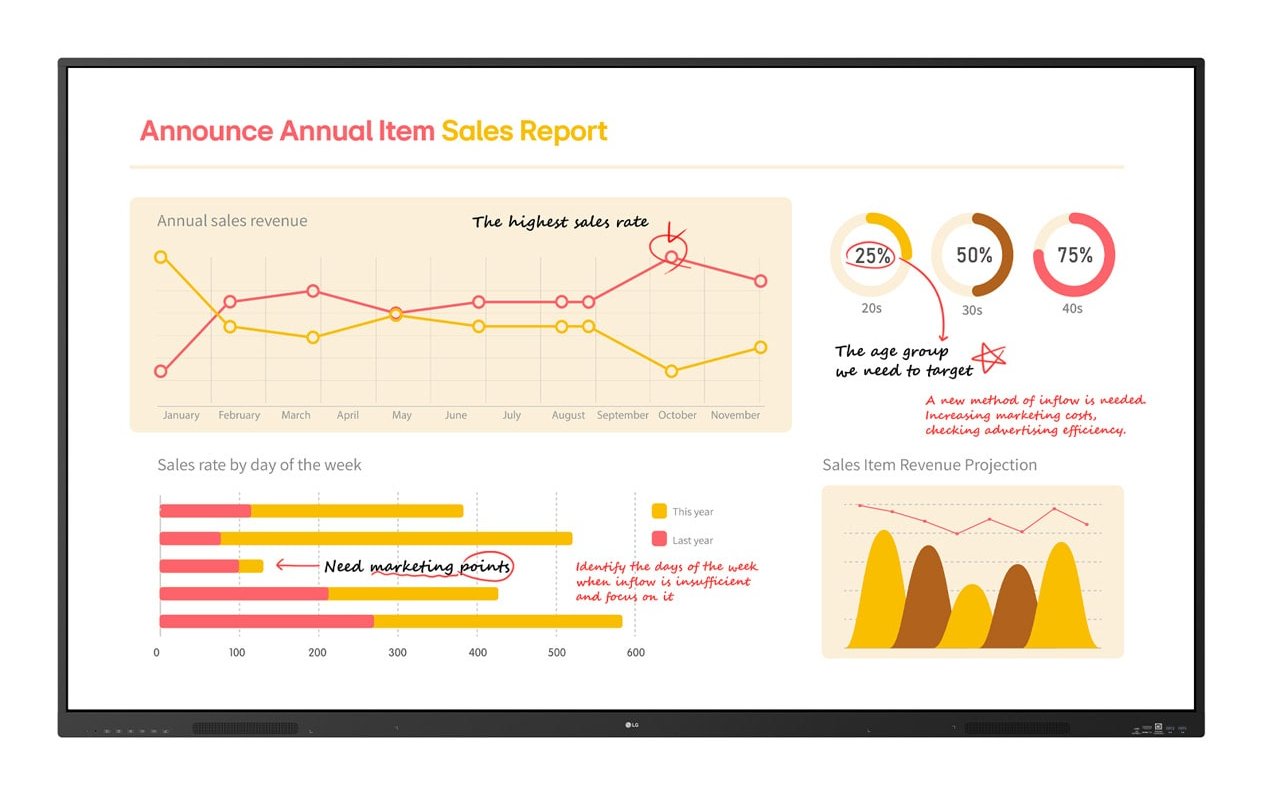
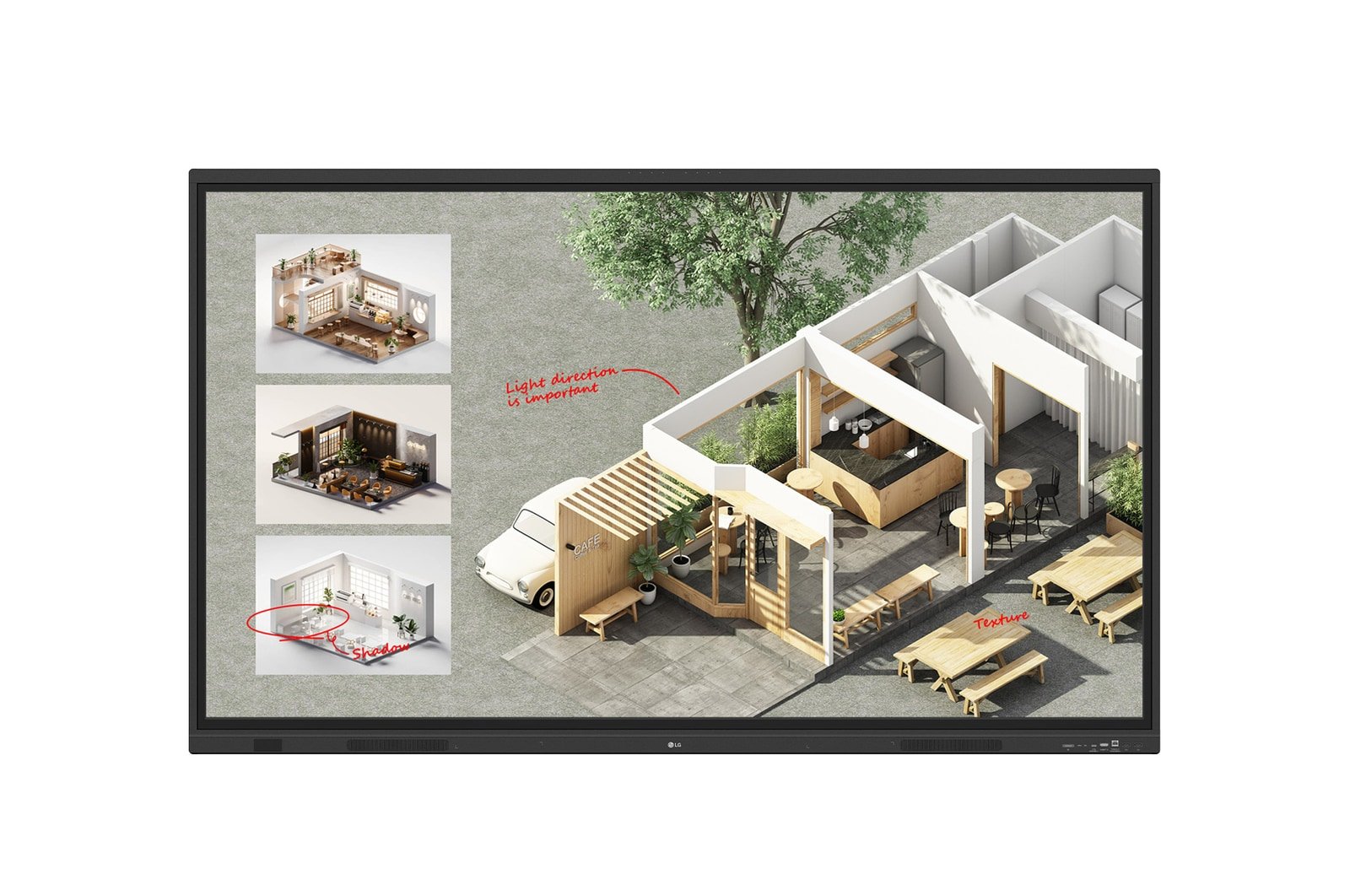
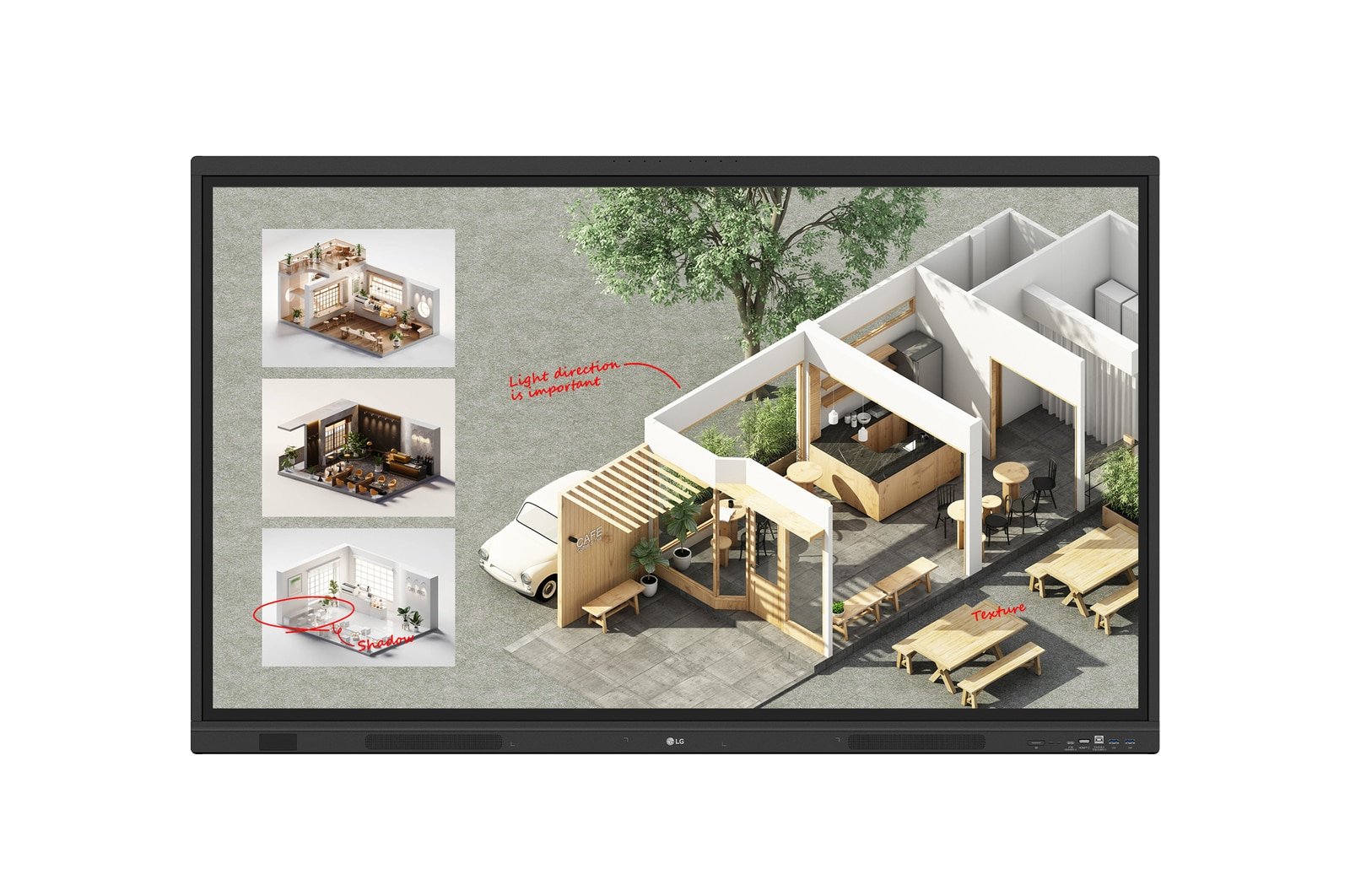
21:9 Extended Wide Format With support for a 21:9 widescreen aspect ratio, the TR5WP provides an immersive viewing experience with a wider screen than a 16:9 display. This screen specialization helps display 21:9 content, including widescreen videoconferencing platforms, with natural details.
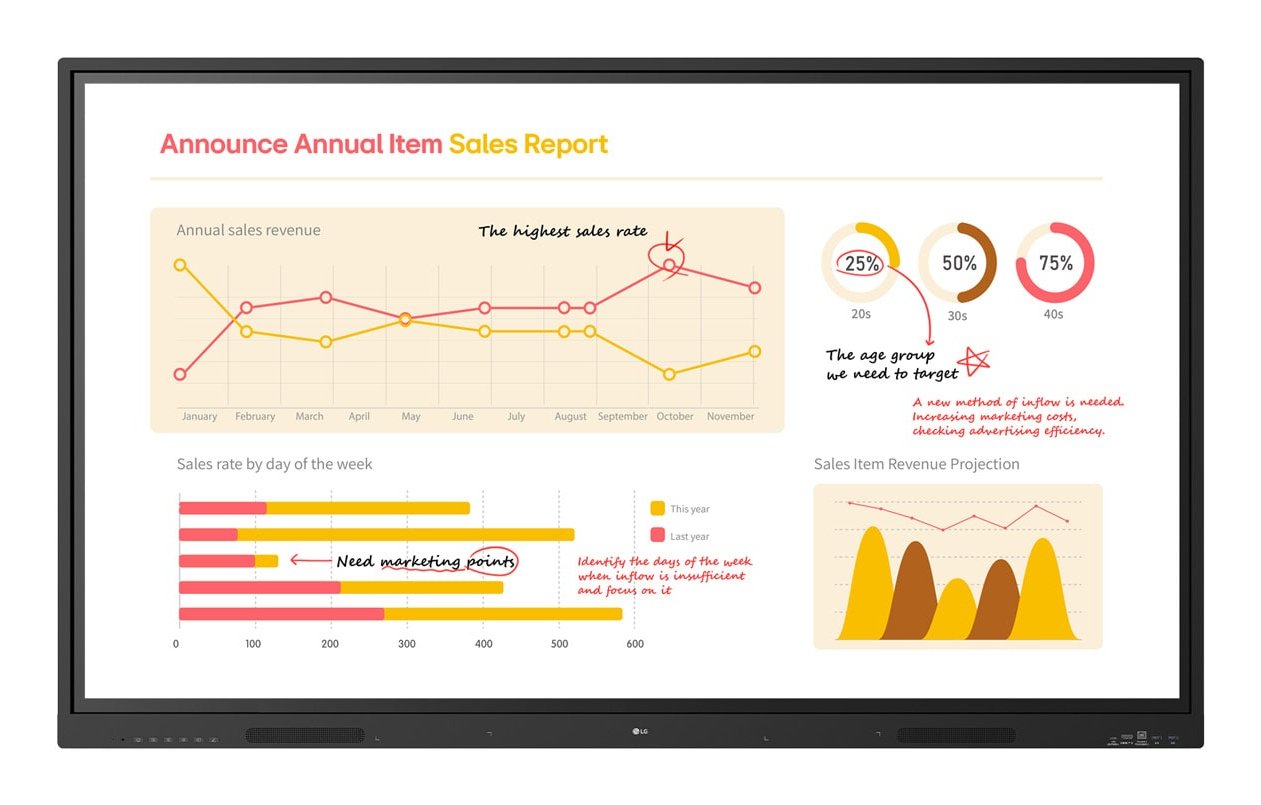
Tools for Fluid Discussion A variety of tools such as a calculator, clock, and sticky note are available to facilitate smooth discussions and ensure seamless idea sharing and communication. Also, users can personalize the menu bar with their most frequently used tools, thereby improving their work efficiency.
Web Browser When you need a reference during a discussion, you can access various online information in real time with the simple click of a web browser. The necessary information found on the internet can be easily dragged and dropped into the material you’re creating, enhancing the productivity of your meetings.
Multi-OS Support LG CreateBoard Lab offers multi-OS support, allowing users to utilize it not only with LG CreateBoard but also with other devices. This enables users to maintain a seamless experience on tablets, laptops, and various other devices, even outside the classroom.
LG CreateBoard Share LG CreateBoard Share offers a wireless screen sharing feature, providing users with a flexible discussion environment. Users can share their screen from their own PC, tablet, or smartphone, simplifying the process of sharing and collaborating on team projects or presentation materials.
Wireless ScreenShare Feature for Seamless Sharing Environment LG CreateBoard Share establishes a seamless and stable meeting room without the need for extra cables or connections. Presenters can now share their screens without the need to inconveniently move around and unplug and plug cables each time the presenter changes. With the capability to share up to 9 screens in real-time, it’s possible to display multiple people’s materials simultaneously when needed, thereby enhancing the efficiency of collaboration.
Simple Connection to LG CreateBoard Share Users can easily utilize the wireless screen sharing feature via LG CreateBoard Share app, and even without the app, they can still conveniently access this feature through the website. A quick connection to LG CreateBoard Share can be established by entering a 6-digit code.
LG ConnectedCare LG ConnectedCare is a cloud solution for remotely monitoring, controlling, and managing the status of LG CreateBoard and LG signage displays. This feature enables IT managers to operate and manage important resources on operating devices without physically visiting sites.
Dashboard The LG ConnectedCare dashboard allows you to view and monitor multiple devices at the same time, thereby saving time and boosting efficiency.
Remote-control The LG ConnectedCare enables centralized and simple control of digital signage connected to the system. Frequently used functions such as power on/off, scheduling and screen brightness adjustment can be applied remotely.
Broadcasting Messages and a range of other content can be sent from the main system to individual devices connected to LG ConnectedCare. Company events or announcements can be broadcasted remotely from the main system at once.
Multi-screen Mode LG CreateBoard supports a multi-screen mode, allowing users to utilize multiple screens simultaneously. Users can take notes, play videos, and browse the web at the same time, thereby enhancing work efficiency.
C-type Connection USB-C connectivity simplifies connections which enables charging and sending data simultaneously over just one single cable.
Bluetooth Connectivity LG CreateBoard supports wireless Bluetooth connections to various devices such as a speaker, mouse, keyboard, etc. This is optimal for building a hybrid environment so that online and offline classes can proceed smoothly.
Built-in OPS Slot LG CreateBoard supports OPS slots, allowing users to conveniently mount OPS Module at the back of the screen without the hassle of connecting to an external desktop. This enables various PC functions and Windows software.
Front Connectivity Design LG CreateBoard is designed with front display ports, making it easy for users to connect or disconnect cables. Additionally, its frontfacing speakers facilitate content delivery with improved sound quality.
Built-in Speakers and Microphones The LG CreateBoard comes with integrated speakers and microphones, providing an ideal setup for video conferencing. With its highquality built-in speakers that deliver rich, clear sound, along with an advanced microphone array, you probably won't need extra audio equipments or microphones.
Product Specifications
Manufacturer
LG
Manufacturer Part Number
105TR5WP-B
GTIN / Barcode
0195174110751
Brand Name
LG
Product Name
LG 105TR5WP-B interactive whiteboard 2.67 m (105") 5120 x 2160 pixels Touchscreen Black
Mfr. Part Number
105TR5WP-B
GTIN / Barcode
0195174110751
Display
Display diagonal
2.67 m (105")
Display brightness
400 cd/m²
Display resolution
5120 x 2160 pixels
HD type
5K Ultra HD
Panel type
VA
LED backlight
Yes
LED backlighting type
Direct-LED
Native aspect ratio
21:9
Contrast ratio (typical)
4000:1
Contrast ratio (dynamic)
5000:1
Response time
6.5 ms
Maximum refresh rate
60 Hz
Touchscreen
Yes
Touch technology
Multi-touch
Number of simultaneous touchpoints
50
Touch object size (min)
2 mm
Viewing angle, horizontal
178°
Viewing angle, vertical
178°
Colour gamut
72%
Computer system
Built-in processor
Yes
Processor architecture
ARM Cortex A76 + ARM Cortex A55
Processor cores
8
RAM capacity
8 GB
Graphics card family
ARM
Graphics card
Mali-G610 MP4
Audio
Built-in speaker(s)
Yes
Number of built-in speakers
2
Speaker power
36 W
Network
Wi-Fi
Yes
Top Wi-Fi standard
Wi-Fi 6E (802.11ax)
Wi-Fi standards
Wi-Fi 6E (802.11ax)
Bluetooth
Yes
Bluetooth version
5.3
Ethernet LAN
Yes
Ethernet LAN data rates
1000 Mbit/s
Ports & interfaces
HDCP
Yes
HDCP version
2.3
USB 3.2 Gen 1 (3.1 Gen 1) Type-A ports quantity
6
USB 2.0 ports quantity
1
USB connector type
USB Type-A, USB Type-C
HDMI ports quantity
4
USB Type-C ports quantity
2
Ethernet LAN (RJ-45) ports
1
Ergonomics
Product colour
Black
VESA mounting
Yes
Panel mounting interface
1000 x 600 mm
Power
Power consumption (max)
560 W
Power consumption (typical)
315 W
Power consumption (off)
0.5 W
AC input voltage
100 - 240 V
AC input frequency
50/60 Hz
System requirements
Windows operating systems supported
Windows 10, Windows 7, Windows 8
Mac compatibility
Yes
Mac operating systems supported
Mac OS X
Linux operating systems supported
Yes
Mobile operating systems supported
Android 13.0
Operational conditions
Operating temperature (T-T)
0 - 40 °C
Operating relative humidity (H-H)
10 - 40%
Weight & dimensions
Width
2510.7 mm
Depth
917 mm
Height
1129.9 mm
Weight
84.6 kg
Packaging data
Package width
2668 mm
Package depth
280 mm
Package height
1305 mm
Package weight
124 kg
Quantity per pack
1 pc(s)
Packaging content
Manual
Yes
Cables included
HDMI, USB Type-A to Micro USB Type-B, USB Type-C to USB Type-C
Remote control included
Yes
Batteries included
Yes
Brand
LG
Availability
In Stock
Price Currency
USD
Category
Writing & Desk Supplies
Customer reviews
No reviews yet. If you have bought this,
yours would be the first.
We use cookies and similar technologies to operate our website, maintain security, remember preferences, analyze site performance, and improve your browsing experience. Some cookies are essential for website functionality, while others may support analytics and marketing activities. By selecting “Accept All,” you consent to the use of optional cookies. You may manage or reject non-essential cookies through your cookie settings at any time. Learn more