
Home
/Computers & IT Hardware
/Monitors & Displays
/Acer NITRO VG0 VG280K computer monitor 71.1 cm (28") 3840 x 2160 pixels 4K Ultra HD Black

Acer
Acer NITRO VG0 VG280K computer monitor 71.1 cm (28") 3840 x 2160 pixels 4K Ultra HD Black
$377.99
Save 5% · $18.00
$359.99
USD
Prices shown in USD. Taxes, duties and freight are quoted separately. Call 856-283-0457 for volume pricing.
- Business & Quantity Discounts Available
- Flexible Terms for Qualified Organizations
- Supporting Commercial, Government & Education Buyers
- Trusted B2B Ordering & Secure Payments
Product Details
Show off your AMD FreeSync™ finesse with the fast refresh rate and ZeroFrame architecture of the Nitro VG0 Series monitor.
So Much to See
Take in the full view of the display with its ZeroFrame design atop the sharply-cut three-pronged stand.
Firmly Planted
The three-pronged stand saves on desk space without sacrificing on style.
Goodbye to Bezels
The ZeroFrame design makes for a near-seamless look, allowing you to see more of what matters most: the screen.
An Ergonomic Edge
Good monitors should cause little to no strain. With a tilt of -5° to 20°, you can put your mind, and your neck, at ease.
Impactful Sound
What you hear is just as good as what you see with the power of the dual 2 watt built-in speaker system.
Lightning Fast Freesync
Discover the joys of a seamless game experience with AMD FreeSync™, in vivid IPS, with refresh rates of up to 144Hz.
Yes, Resolution Matters
Choose from resolutions ranging from Full HD up to 41 in vibrant, color-accurate IPS. Which one calls to you?
Fast-paced Frames
With a 144Hz refresh rate and 1ms Visual Response Boost™ (VRB) technology, gameplay is seamless and practically blur-free.
Superbly Synced
Radeon™ FreeSync ends choppy gameplay and broken frames with fluid, artifact-free performance at virtually any framerate.
Adjustments On The Fly
No need to fiddle with buttons. Easily modify your monitor settings via the Display Widget utility software.
With four control sections the Acer Display Widget gives users a more intuitive method of configuring their monitors.
Choose Your Mode
Use the pre-configured options to select the best display mode for activities you’re using the monitor for.
Customizable Settings
Adjust and save the blue light, brightness, contrast, six-axis color, saturation and others details through this tab.
Application Specific Modes
Assign specific modes to individual applications.
Automatic Color Adjustment
When switching between different applications, the specified color settings of the application will automatically change.
Split Screen
Choose from a range of 11 pre-configured screen splits so you can make the most from your screen real estate and assign them different modes.
So Much to See
Take in the full view of the display with its ZeroFrame design atop the sharply-cut three-pronged stand.
Firmly Planted
The three-pronged stand saves on desk space without sacrificing on style.
Goodbye to Bezels
The ZeroFrame design makes for a near-seamless look, allowing you to see more of what matters most: the screen.
An Ergonomic Edge
Good monitors should cause little to no strain. With a tilt of -5° to 20°, you can put your mind, and your neck, at ease.
Impactful Sound
What you hear is just as good as what you see with the power of the dual 2 watt built-in speaker system.
Lightning Fast Freesync
Discover the joys of a seamless game experience with AMD FreeSync™, in vivid IPS, with refresh rates of up to 144Hz.
Yes, Resolution Matters
Choose from resolutions ranging from Full HD up to 41 in vibrant, color-accurate IPS. Which one calls to you?
Fast-paced Frames
With a 144Hz refresh rate and 1ms Visual Response Boost™ (VRB) technology, gameplay is seamless and practically blur-free.
Superbly Synced
Radeon™ FreeSync ends choppy gameplay and broken frames with fluid, artifact-free performance at virtually any framerate.
Adjustments On The Fly
No need to fiddle with buttons. Easily modify your monitor settings via the Display Widget utility software.
With four control sections the Acer Display Widget gives users a more intuitive method of configuring their monitors.
Choose Your Mode
Use the pre-configured options to select the best display mode for activities you’re using the monitor for.
Customizable Settings
Adjust and save the blue light, brightness, contrast, six-axis color, saturation and others details through this tab.
Application Specific Modes
Assign specific modes to individual applications.
Automatic Color Adjustment
When switching between different applications, the specified color settings of the application will automatically change.
Split Screen
Choose from a range of 11 pre-configured screen splits so you can make the most from your screen real estate and assign them different modes.
Product Specifications
| Manufacturer | Acer |
|---|---|
| Manufacturer Part Number | UM.PV0AA.001 |
| GTIN / Barcode | 193199576309 |
| Brand Name | Acer |
| Product Name | Acer NITRO VG0 VG280K computer monitor 71.1 cm (28") 3840 x 2160 pixels 4K Ultra HD Black |
| Mfr. Part Number | UM.PV0AA.001 |
|---|---|
| GTIN / Barcode | 193199576309 |
| Display | |
| Display diagonal | 71.1 cm (28") |
| Display resolution | 3840 x 2160 pixels |
| HD type | 4K Ultra HD |
| Native aspect ratio | 16:9 |
| Panel type | IPS |
| Backlight type | LED |
| Touchscreen | No |
| Display brightness (typical) | 300 cd/m² |
| Response time | 4 ms |
| Screen shape | Flat |
| Supported graphics resolutions | 3840 x 2160 |
| Aspect ratio | 16:9 |
| Contrast ratio (typical) | 1000:1 |
| Contrast ratio (dynamic) | 100000000:1 |
| Dynamic contrast ratio marketing name | Adaptive Contrast Management (ACM) |
| Viewing angle, horizontal | 178° |
| Viewing angle, vertical | 178° |
| Display number of colours | 1.07 billion colours |
| Response time (fast) | 4 ms |
| High Dynamic Range (HDR) supported | Yes |
| High Dynamic Range (HDR) technology | High Dynamic Range 10 (HDR10) |
| Performance | |
| AMD FreeSync | Yes |
| AMD FreeSync type | FreeSync |
| Game mode | Yes |
| Smart modes | Custom, Energy saving, Graphics, Movie, Standard |
| Multimedia | |
| Number of speakers | 2 |
| RMS rated power | 2 W |
| Built-in speaker(s) | Yes |
| Design | |
| Market positioning | Gaming |
| Product colour | Black |
| Frameless design | Yes |
| Ports & interfaces | |
| HDMI | Yes |
| HDMI ports quantity | 1 |
| DisplayPorts quantity | 1 |
| Headphone out | Yes |
| Headphone outputs | 1 |
| AC (power) in | Yes |
| Ergonomics | |
| VESA mounting | Yes |
| Panel mounting interface | 100 x 100 mm |
| Tilt adjustment | Yes |
| Tilt angle range | -5 - 20° |
| Power | |
| Energy efficiency class (SDR) | G |
| Energy efficiency class (HDR) | G |
| Energy consumption (SDR) per 1000 hours | 33 kWh |
| Energy consumption (HDR) per 1000 hours | 49 kWh |
| Power consumption (typical) | 31 W |
| Power consumption (standby) | 0.5 W |
| Power consumption (off) | 0.35 W |
| Weight & dimensions | |
| Width (with stand) | 637.5 mm |
| Depth (with stand) | 238.8 mm |
| Height (with stand) | 459.7 mm |
| Weight (with stand) | 5.49 kg |
| Width (without stand) | 635 mm |
| Depth (without stand) | 68.1 mm |
| Height (without stand) | 371.1 mm |
| Weight (without stand) | 5.08 kg |
| Packaging content | |
| Stand included | Yes |
| Cables included | HDMI |
| Power adapter included | Yes |
| Other features | |
| Certification | MPR II |
| Brand | Acer |
| Availability | In Stock |
| Price Currency | USD |
| Category | Monitors & Displays |
Customer reviews
No reviews yet. If you have bought this, yours would be the first.
Write a review
Related
Related products
Acer
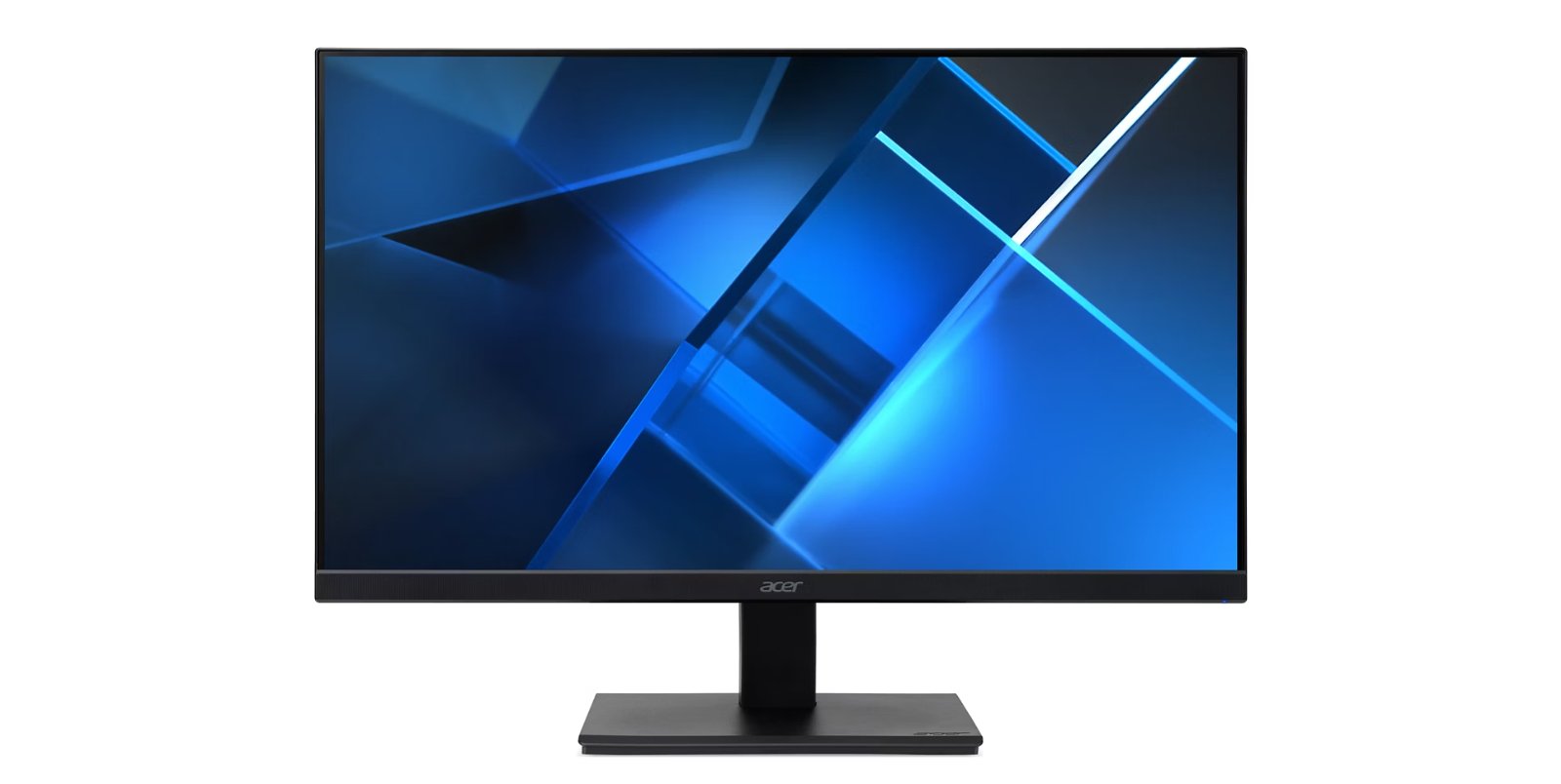
Acer Vero V7 V247Y H computer monitor 61 cm (24") 1920 x 1080 pixels Full HD LED Black
Mfr. Part# UM.QV7AA.H01
$108.06
$102.91
Acer
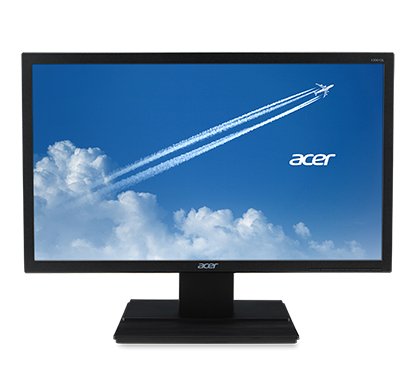
Acer V6 V206HQL ABI computer monitor 49.5 cm (19.5") 1600 x 900 pixels HD+ Black
Mfr. Part# UM.IV6AA.A08
$125.12
$119.16
Acer
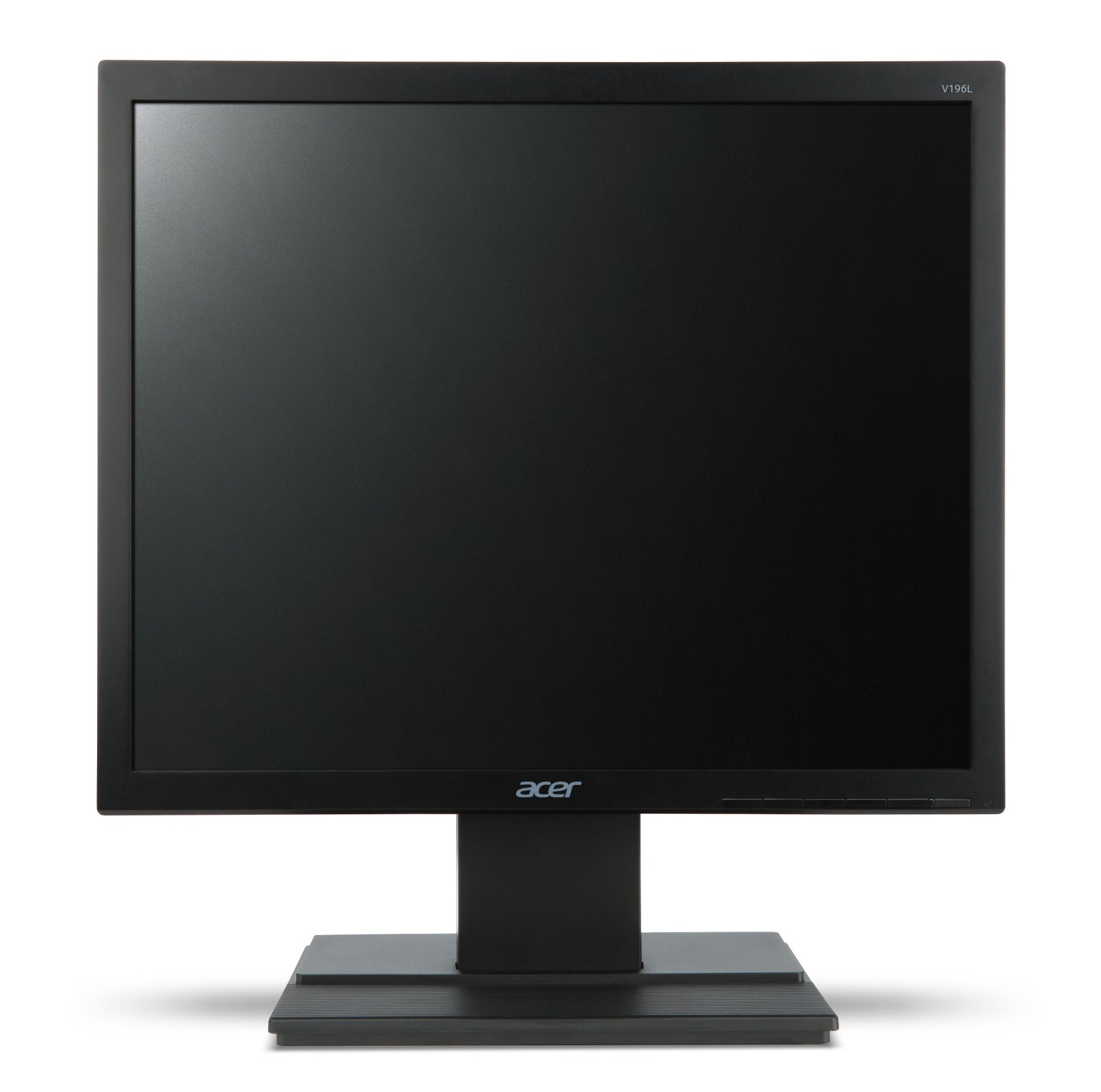
Acer V6 V196L Bb computer monitor 48.3 cm (19") 1280 x 1024 pixels SXGA LED Black
Mfr. Part# UM.CV6AA.B02
$143.55
$136.71
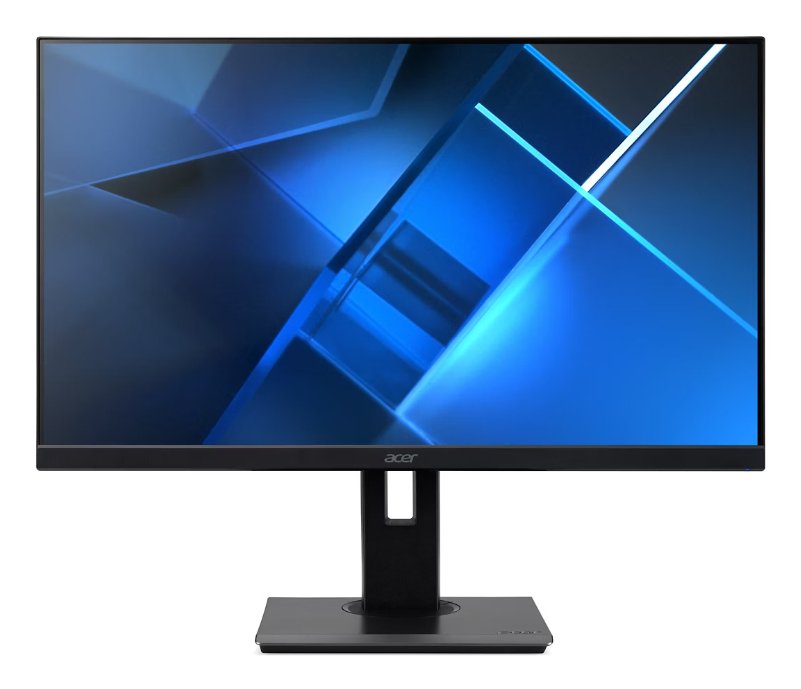
Acer
Acer Vero B7 B247Y E computer monitor 60.5 cm (23.8") 1920 x 1080 pixels Full HD LCD Black
Mfr. Part# UM.QB7AA.E01
$149.01
$141.91
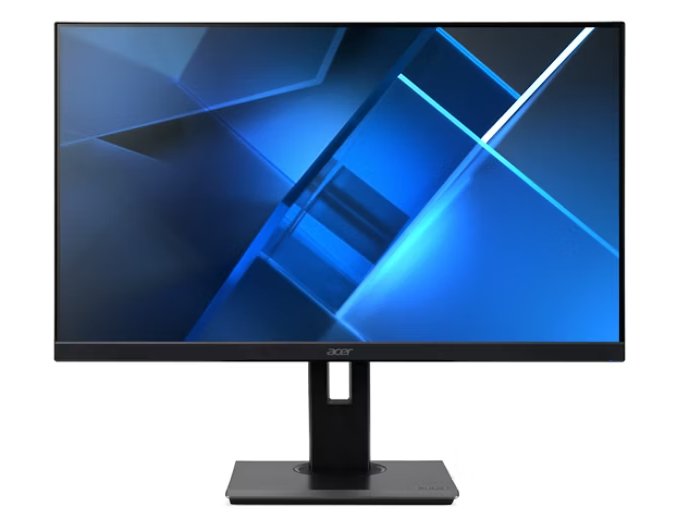
Acer
Acer B227Q E3 computer monitor 55.9 cm (22") 1920 x 1080 pixels Full HD LED Black
Mfr. Part# UM.WB7AA.301
$150.37
$143.21
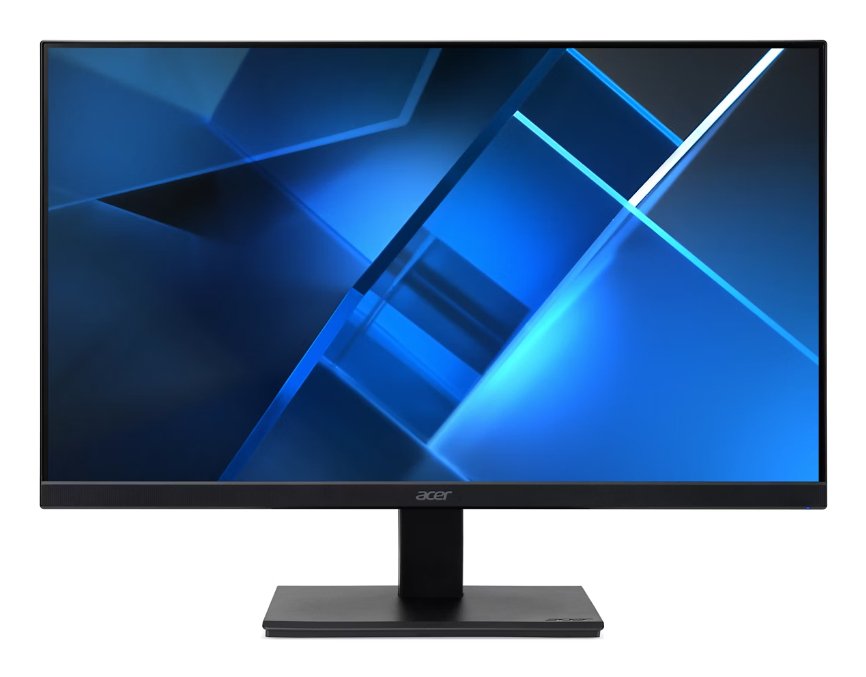
Acer
Acer Vero V7 V247Y E computer monitor 60.5 cm (23.8") 1920 x 1080 pixels Full HD LCD Black
Mfr. Part# UM.QV7AA.E03
$150.37
$143.21
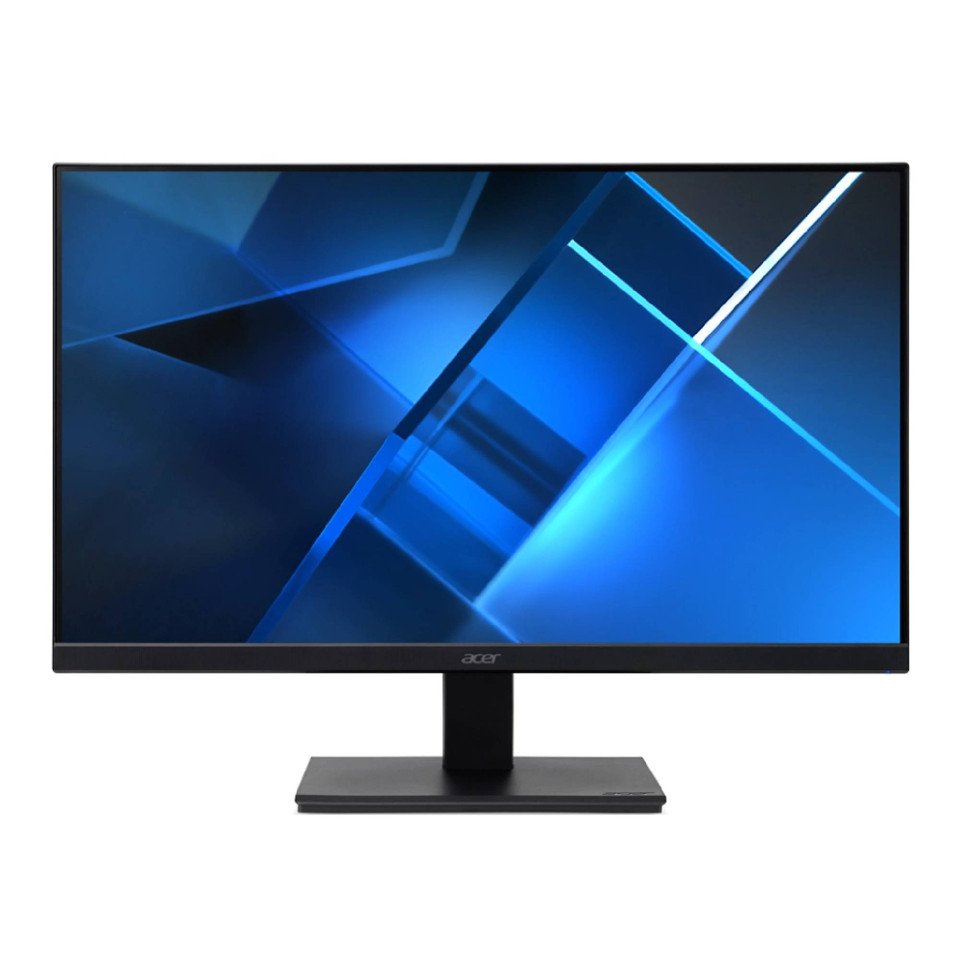
Acer
Acer V277 E computer monitor 68.6 cm (27") 1920 x 1080 pixels Full HD LCD Black
Mfr. Part# UM.HV7AA.E03
$150.37
$143.21